NewUltrakin Beta is open for instructors!

Ultrakin connects everything you need to
run a learning community.

Create a circle, design journeys, host live sessions, assign challenges, collect submissions, and track progress — without bouncing between chats, spreadsheets, and calendar links.

Community learning together

How it Works

Three simple steps to launch and run your learning community.

Create a Circle
1

Create a Circle

Pick your domain — yoga, music, dance, chess, or anything you teach — and invite learners in seconds.
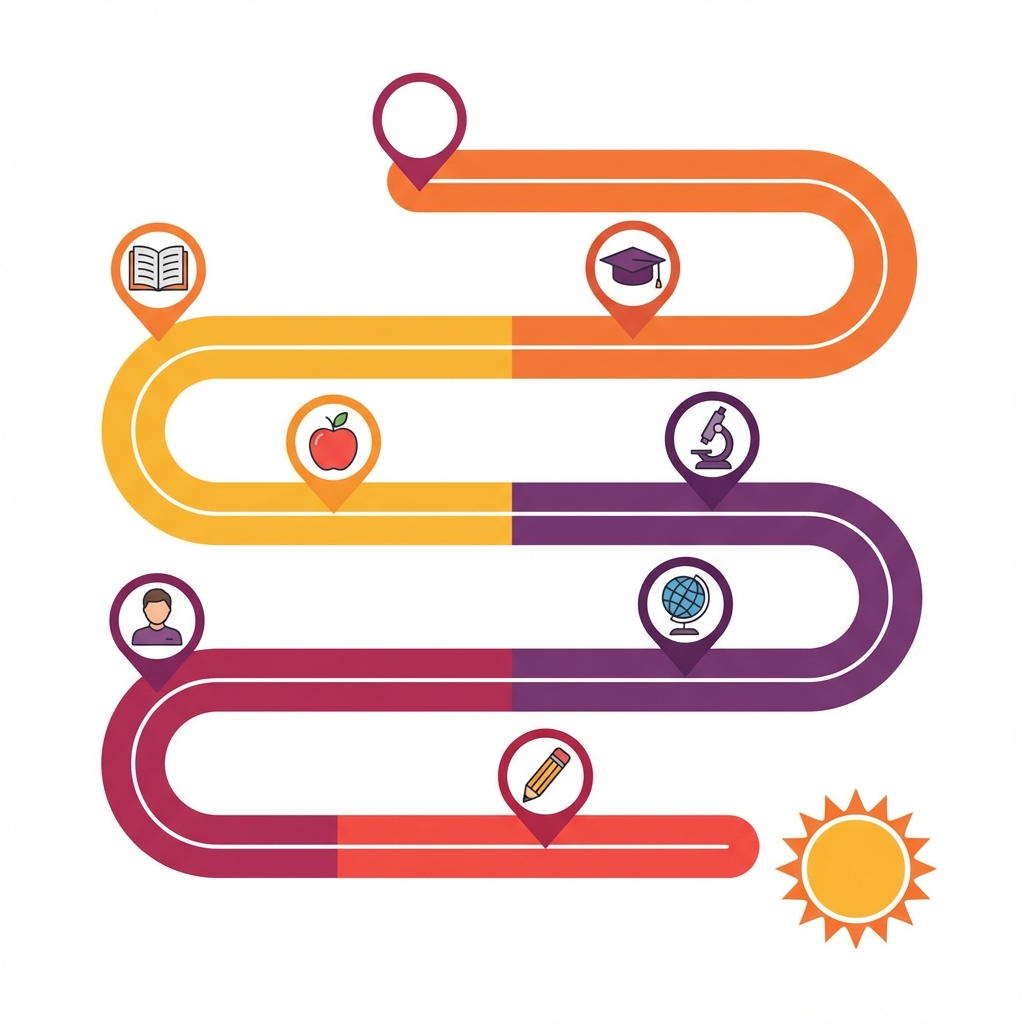
Design a Journey
2

Design a Journey

Arrange lessons, practice tasks, reflections, and checkpoints into clear steps, so every learner knows exactly what comes next.

Run, track, & improve
3

Run, track, & improve

Host live sessions, collect submissions, see completion rates, and improve your journeys based on real learner progress.

Frequently Asked Questions

Everything you need to know about circles, journeys, and community features.

Ultrakin is a community platform that brings learning and engagement together. Create circles (communities), design journeys (structured learning paths), host live events, assign quests, and track everyone's progress — all in one place.
Circles are your communities — whether it's a yoga club, music class, book club, or any group of learners. Each circle has its own feed, events, journeys, and members. You can create public or private circles.
Journeys are structured learning paths made up of quests. Quests are individual tasks or challenges — like watching a video, completing a practice session, or submitting your work. Members progress through quests and track their growth.
Yes! You can schedule and host live sessions, workshops, and meetups within your circles. Members can RSVP, get reminders, and join events — keeping your community active and engaged.
Ultrakin tracks quest completions, journey progress, and engagement automatically. Both members and instructors can see detailed progress dashboards, completion rates, and achievements.
Absolutely! The Journey Builder lets you design custom learning paths with multiple stages, each containing quests like videos, readings, assignments, or submissions. You can set prerequisites, add descriptions, and organize content exactly how you want your learners to progress.
As a Circle owner or admin, you have full control over your community. You can approve or remove members, moderate posts and comments, manage roles and permissions, and set your Circle as public or private. Admins can also invite co-moderators to help manage larger communities.

Ready to Launch
Your Community?

Join instructors and community leaders who are building engaging learning experiences. Start your journey today — it's free to get started.